
Creating profiles
Organize the devices on our network with profiles
You can easily manage everyone in your household and the devices connected to your network through profiles.
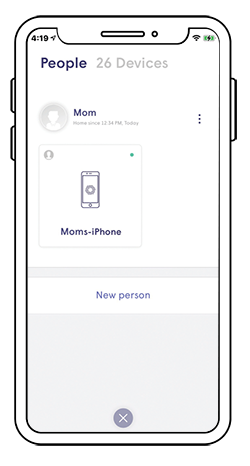
Set up your first profile:
- On the home screen, tap the People icon
- Tap the circle in the middle of the screen to add a new profile
- Enter a name for the profile
- Assign devices on your network to that profile
- Tap the green check mark to save
Assign a primary device:
- Tap the profile you want to assign as the primary device
- Tap Select Primary Device option under the name